



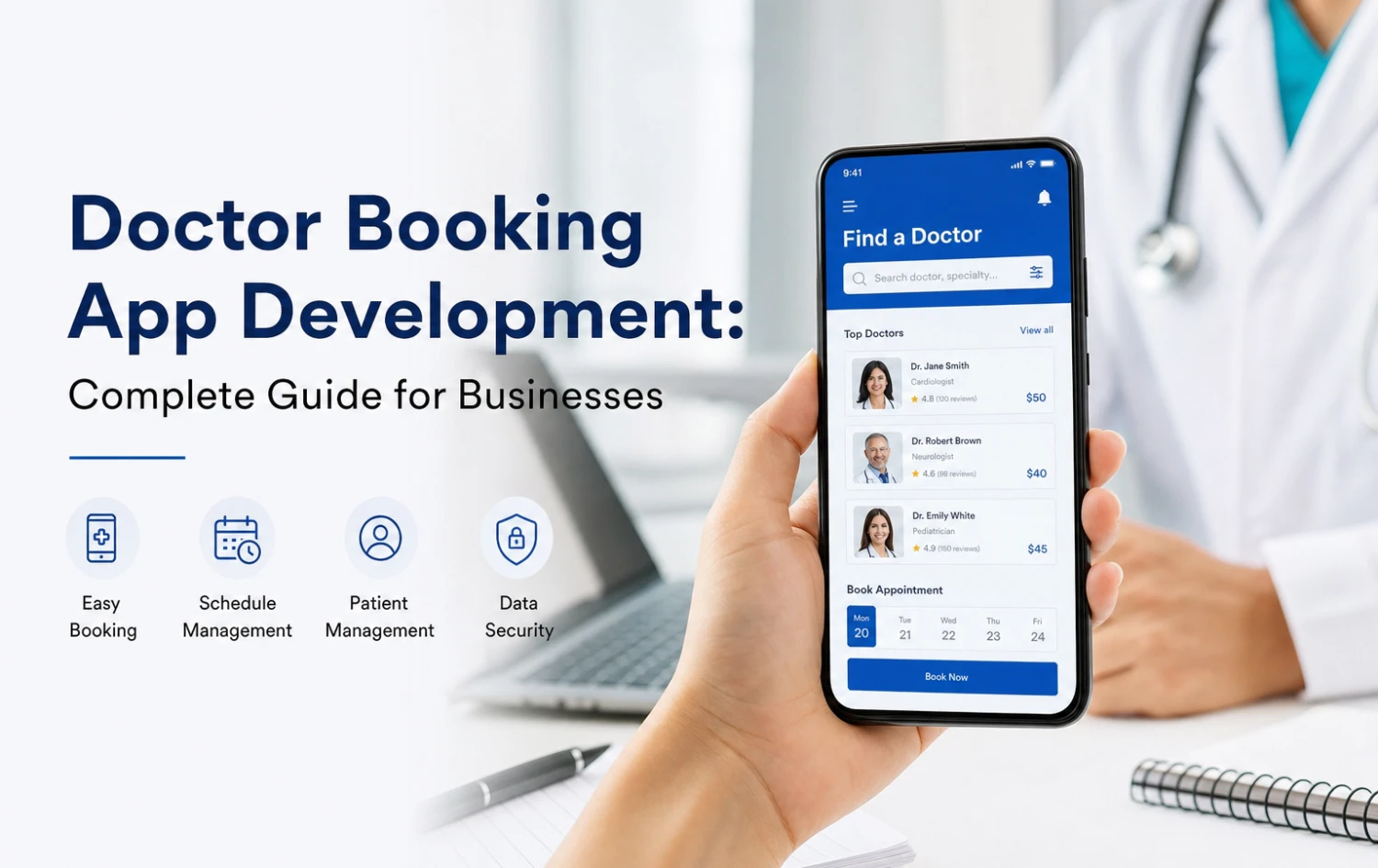
Doctor Booking App Development: Complete Guide for Businesses
In an era where technology continues to reshape the healthcare industry, doctor booking apps have emerged as essential tools for streamlining patient access to medical services. This comprehensive guide will delve into every aspect of doctor booking app development, offering insights, best practices, and actionable advice for businesses looking to venture into this burgeoning market.
Understanding the Need for Doctor Booking Apps
With the rise of telemedicine and the increasing demand for convenient healthcare solutions, a doctor booking app addresses several pain points for both patients and healthcare providers. These apps enable patients to:
- Book appointments easily.
- Access healthcare professionals from the comfort of their homes.
- Receive reminders and notifications for upcoming appointments.
- Manage their health records efficiently.
For healthcare providers, the benefits include better appointment management, reduced no-show rates, and enhanced patient engagement.
Key Features of a Doctor Booking App
When developing a doctor booking app, incorporating the right features is crucial for ensuring a seamless user experience. Here are some essential features to consider:
User Authentication
Security is paramount in healthcare apps. Implement robust user authentication methods, such as email verification, social media logins, and two-factor authentication, to protect user data.
Search and Filter Functionality
Patients should be able to search for doctors based on various parameters like specialty, location, availability, and ratings. This feature significantly improves user experience.
Appointment Scheduling
Integrate a user-friendly interface for scheduling appointments. Allow users to select their preferred date and time, and ensure that the system updates in real-time to reflect availability.
In-App Messaging
Incorporate a secure messaging feature that enables patients to communicate with healthcare providers directly, facilitating quick queries and follow-ups.
Payment Integration
Integrate multiple payment options, including credit/debit cards, mobile wallets, and insurance billing, to cater to diverse user preferences.
Push Notifications
Utilize push notifications to remind users of upcoming appointments, new messages, or health tips, keeping them engaged with the app.
Reviews and Ratings
Allow patients to leave feedback on their experiences. This feature not only helps other users make informed choices but also aids healthcare providers in improving their services.
Choosing the Right Technology Stack
Selecting an appropriate technology stack is crucial for the success of your doctor booking app. Consider the following:
- Frontend: React Native, Flutter, or Swift for iOS and Kotlin for Android.
- Backend: Node.js, Ruby on Rails, or Django.
- Database: PostgreSQL, MongoDB, or Firebase.
- Cloud Services: AWS, Google Cloud, or Azure for hosting and scalability.
Designing an Intuitive User Interface
The user interface (UI) is one of the most critical components of your app. A clean, intuitive, and visually appealing design enhances the user experience. Consider the following best practices:
- Prioritize user-friendly navigation.
- Use a consistent color palette and typography.
- Ensure that the app is responsive and accessible on various devices.
Regulatory Compliance and Data Security
Healthcare apps must comply with regulations such as HIPAA in the US or GDPR in Europe. Implement measures to secure sensitive health data, including:
- Data encryption both in transit and at rest.
- Regular security audits and vulnerability assessments.
- User consent management for data collection.
Testing and Quality Assurance
Conduct thorough testing on various devices and operating systems to ensure a bug-free experience. Key testing types include:
- Functional Testing
- Usability Testing
- Performance Testing
- Security Testing
Launching Your App
Once testing is complete, it’s time to launch your app. Create a marketing strategy that includes:
- Social media campaigns.
- Engaging content marketing.
- Email marketing to existing patients.
Conclusion
Developing a doctor booking app can significantly enhance the healthcare experience for patients and providers alike. By understanding the needs of your target audience, incorporating essential features, and adhering to regulatory standards, you can create a valuable tool that addresses crucial gaps in healthcare access. As the demand for digital health solutions continues to grow, investing in a doctor booking app can position your business at the forefront of this transformative trend.
Frequently Asked Questions (FAQ)
1. What is a doctor booking app?
A doctor booking app is a mobile or web application that allows patients to schedule appointments with healthcare providers conveniently.
2. What features should I include in my doctor booking app?
Essential features include user authentication, appointment scheduling, in-app messaging, payment integration, and push notifications.
3. How much does it cost to develop a doctor booking app?
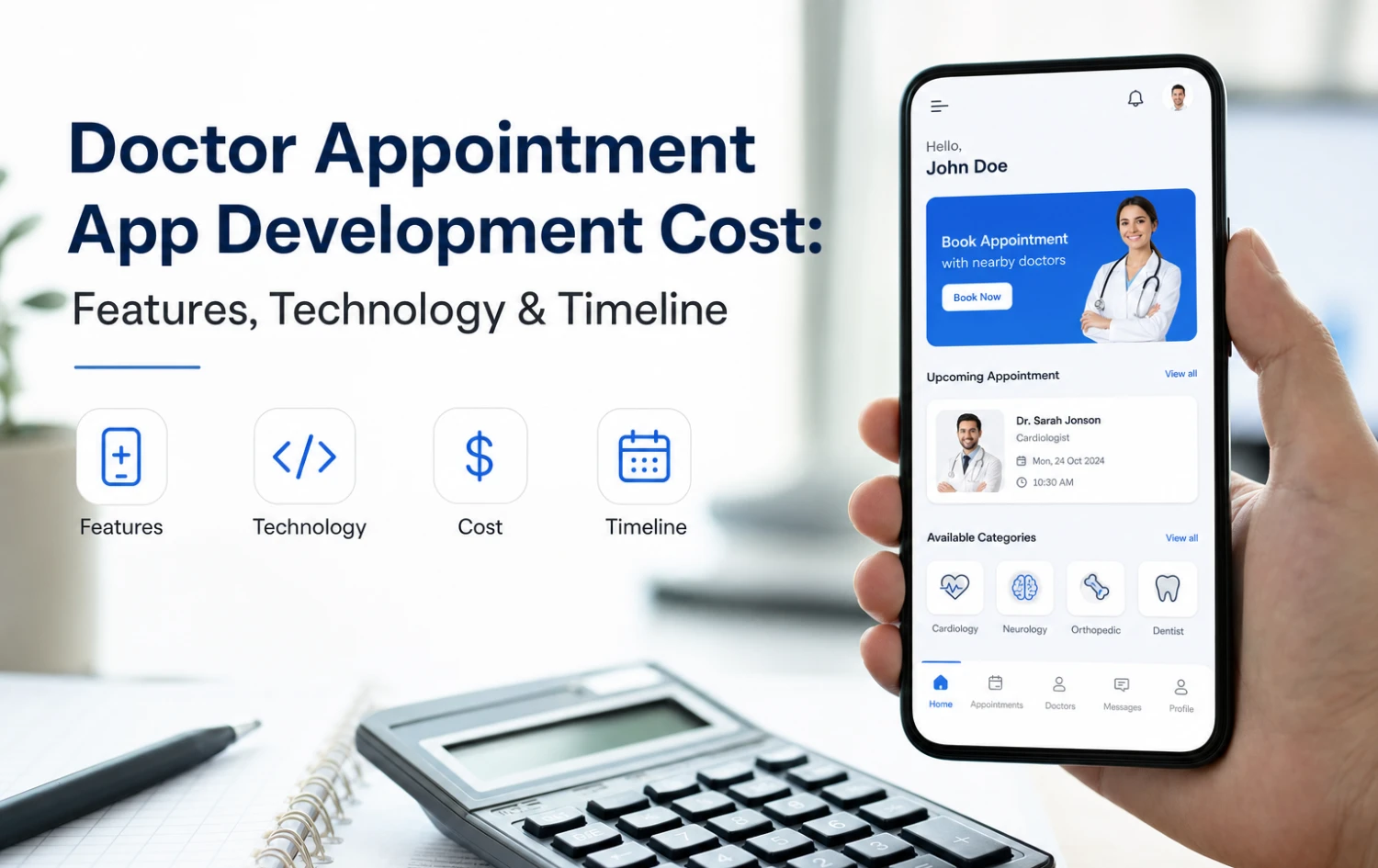
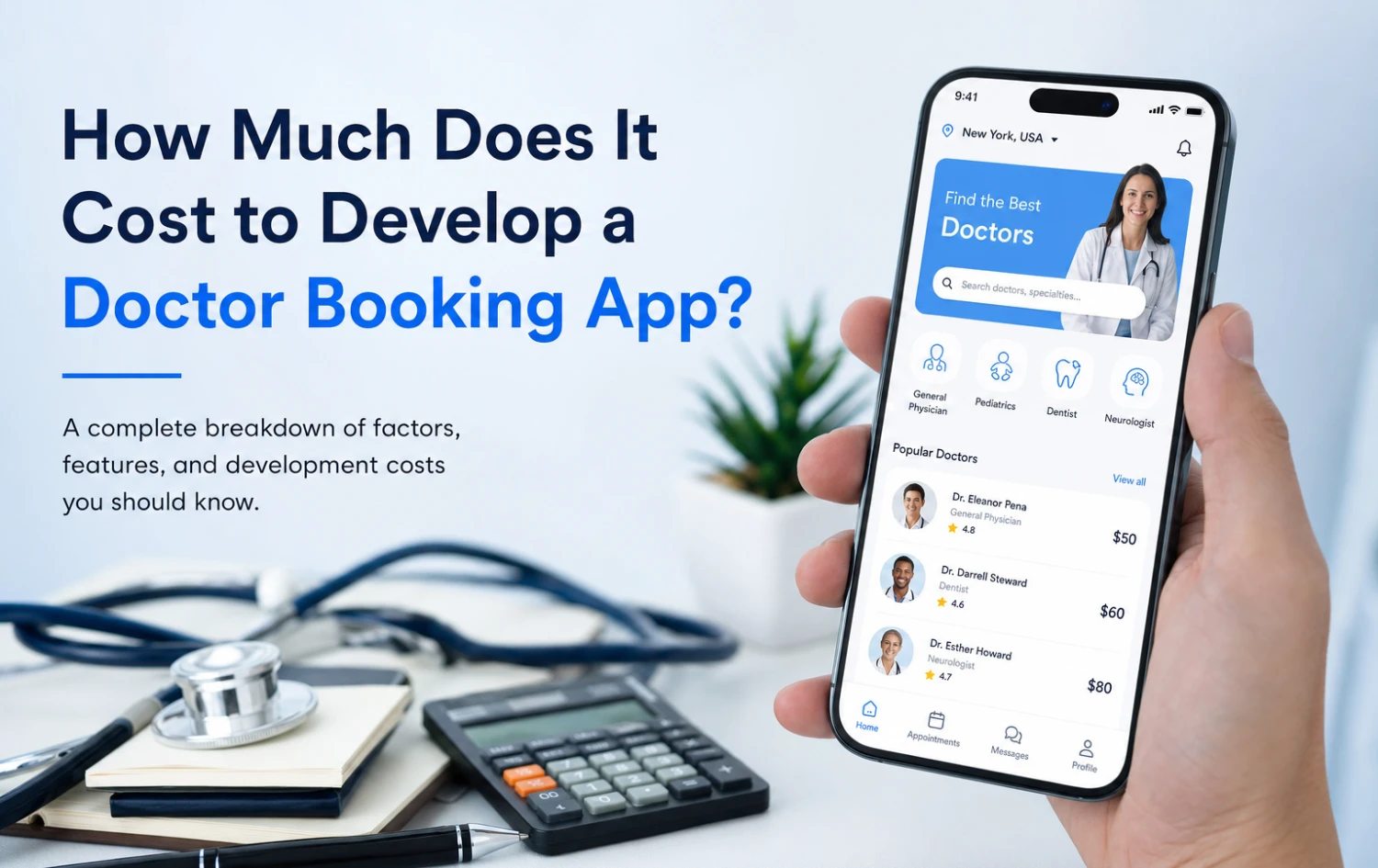
The cost varies based on features, design complexity, and the technology stack used. On average, development can range from $20,000 to $100,000.
4. How do I ensure compliance with healthcare regulations?
Consult with legal experts and implement security measures to protect sensitive data, ensuring adherence to regulations like HIPAA and GDPR.
5. How can I market my doctor booking app?
Utilize social media, content marketing, and partnerships with healthcare providers to promote your app effectively.
Comments (0)
No comments yet. Be the first to start the conversation!
Leave a Comment